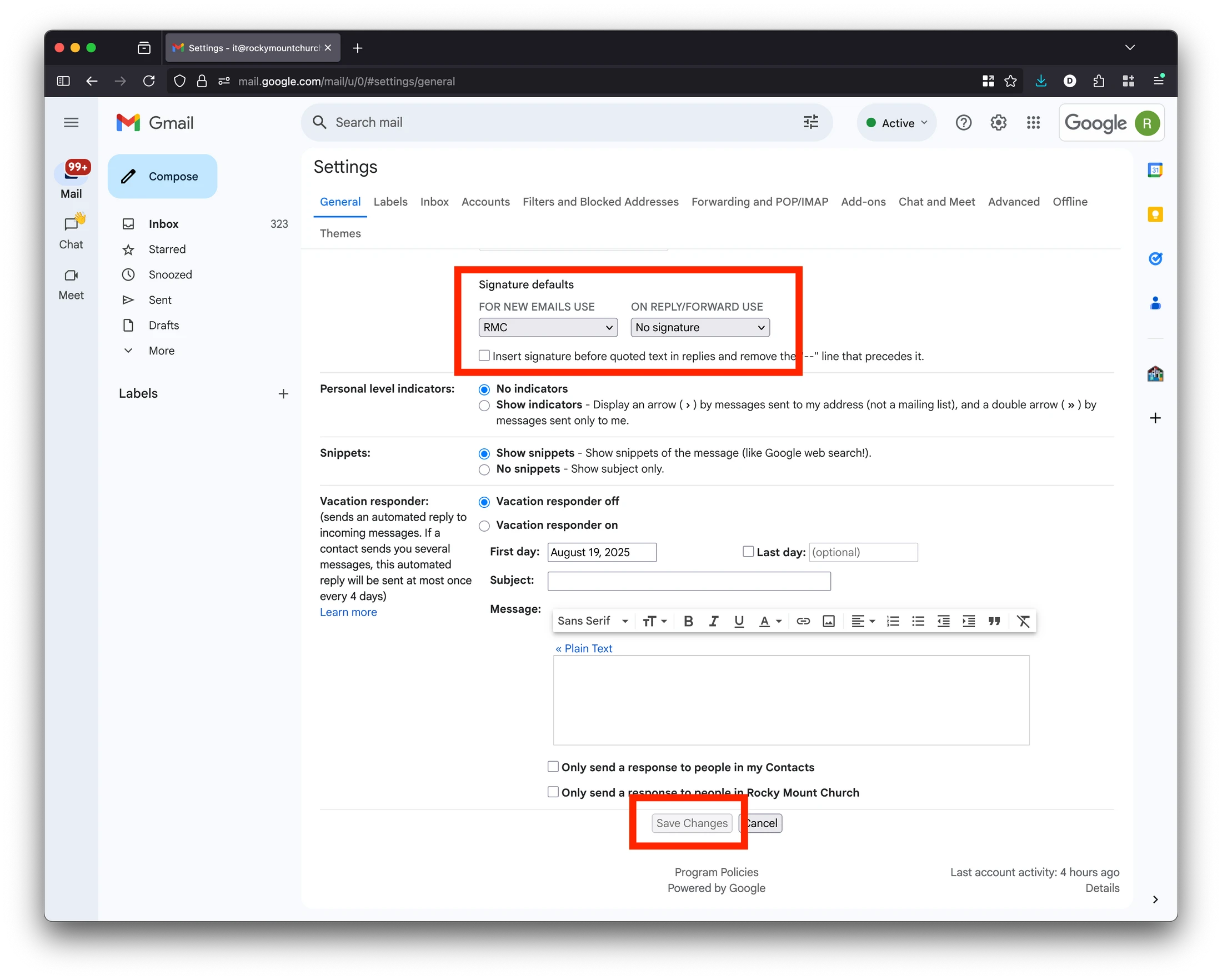
Apple Mail Steps (Mac)
In Apple Mail, open settings. Click the Signatures tab.
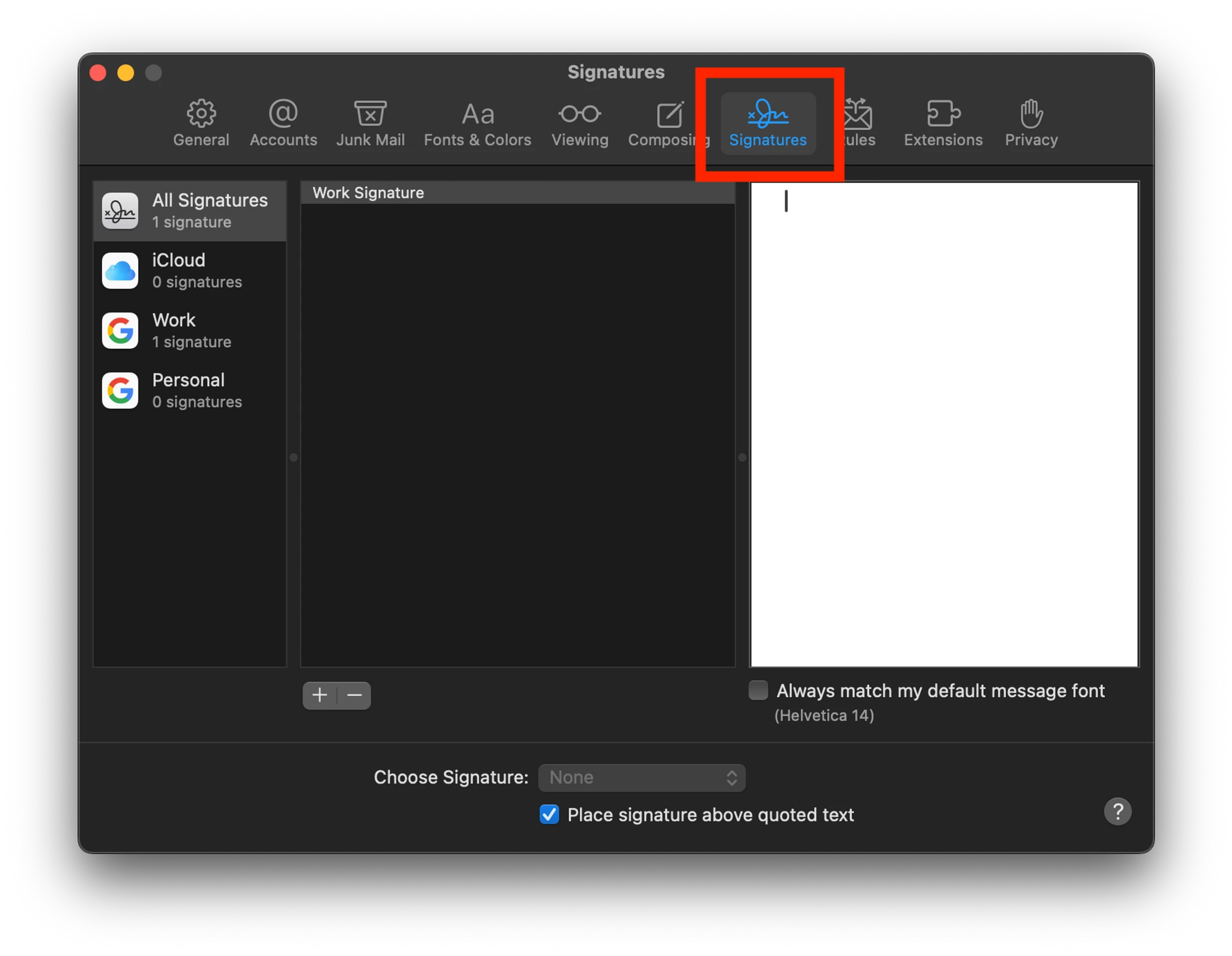
Make sure the checkbox to match default fonts is not checked, as it will override the formatting.

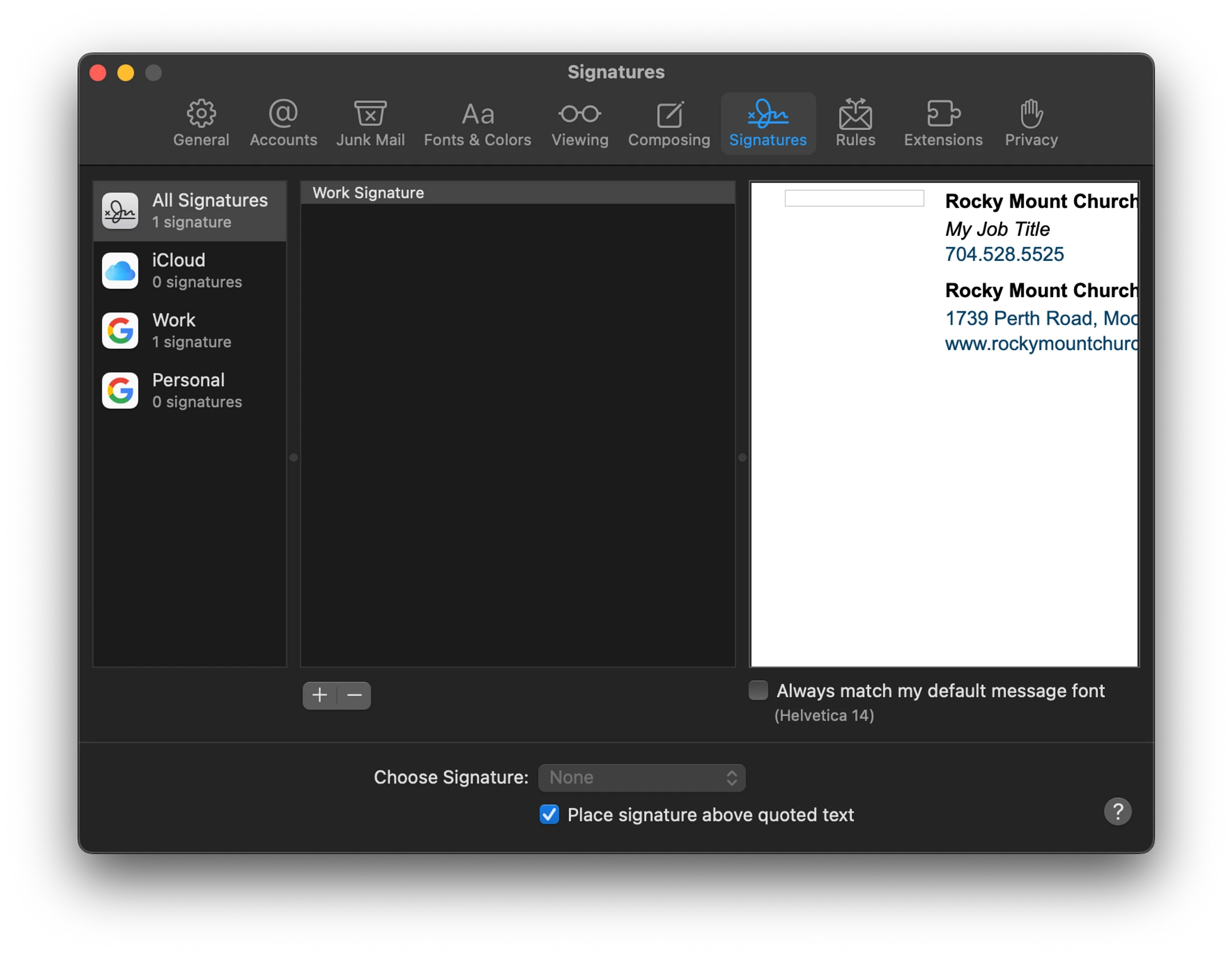
Paste your formatted signature in the empty white space and exit the settings window.
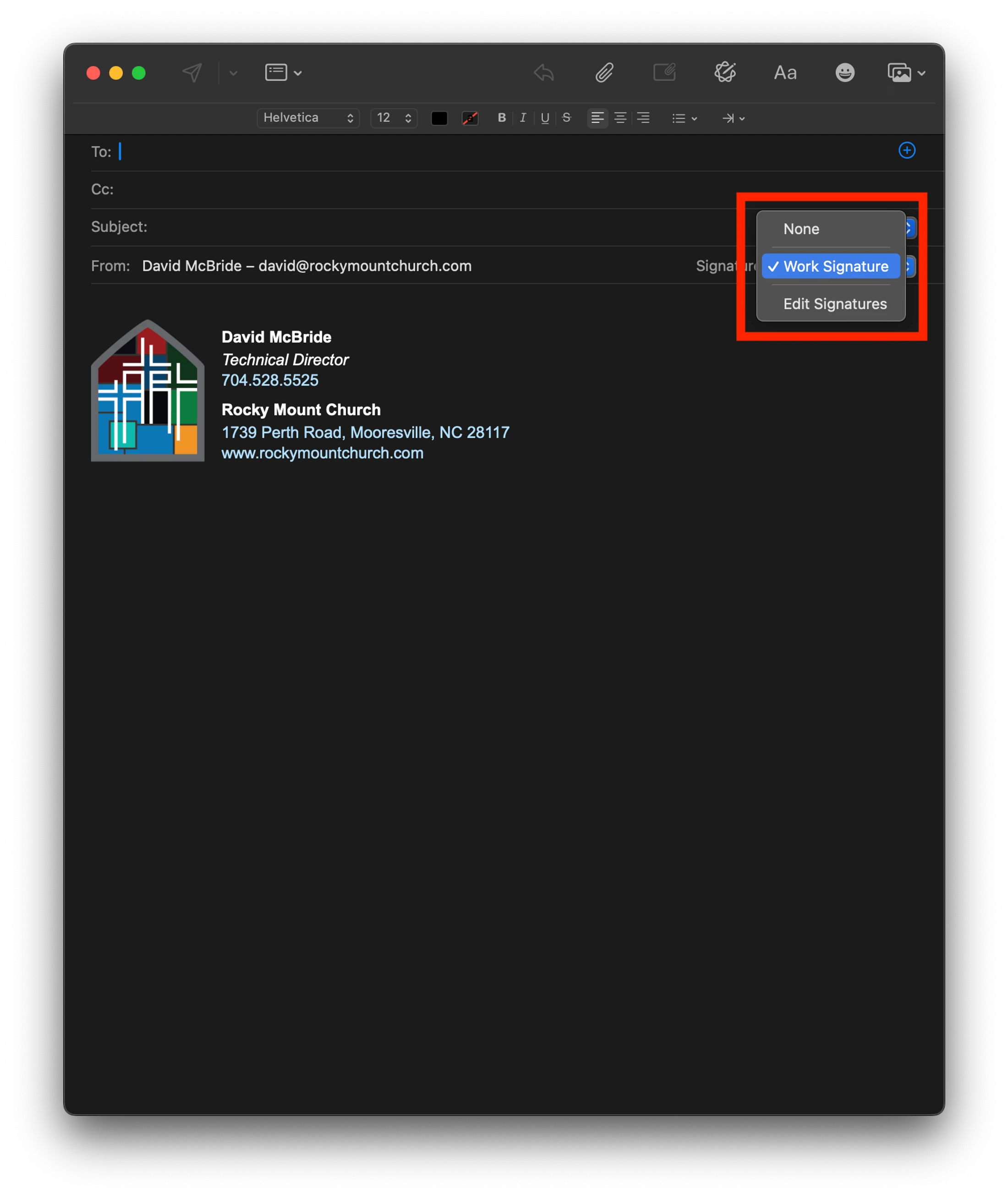
Open a new email. Select your signature to apply.